Dispatch

Next-generation minimalist email experience powered by AI assistance, instant email translation, sender approval queues, and spy tracker shield security.
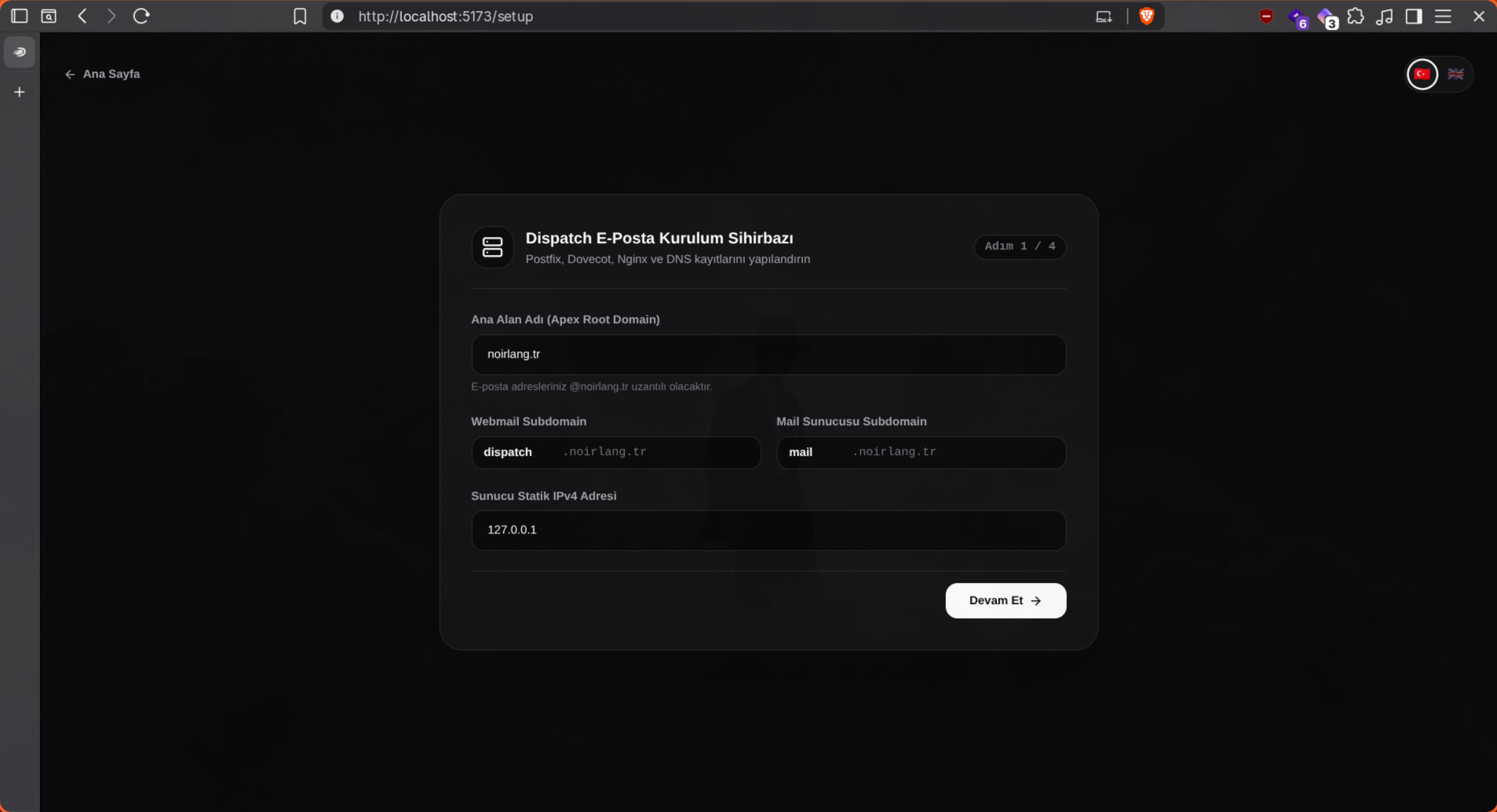
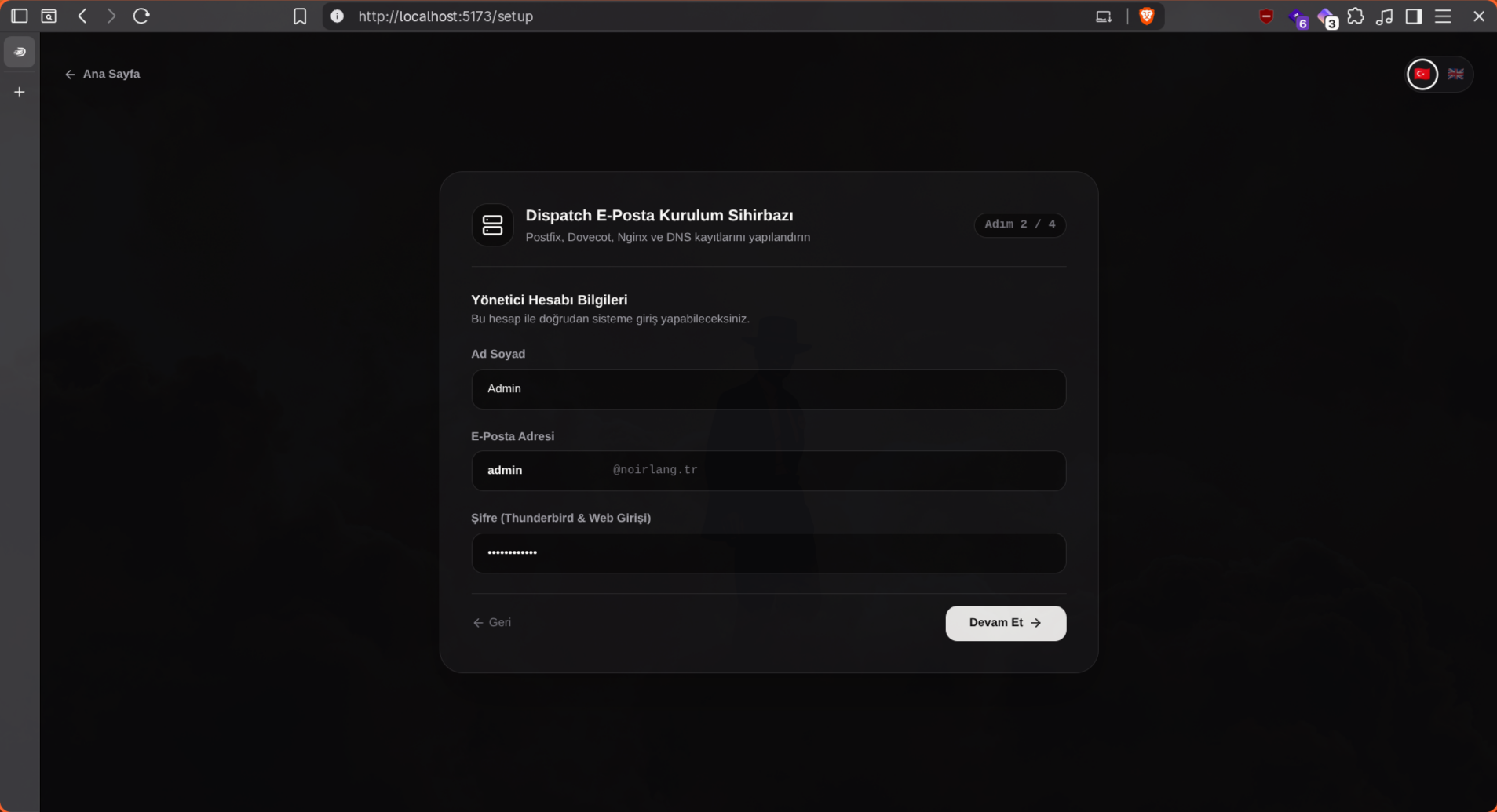
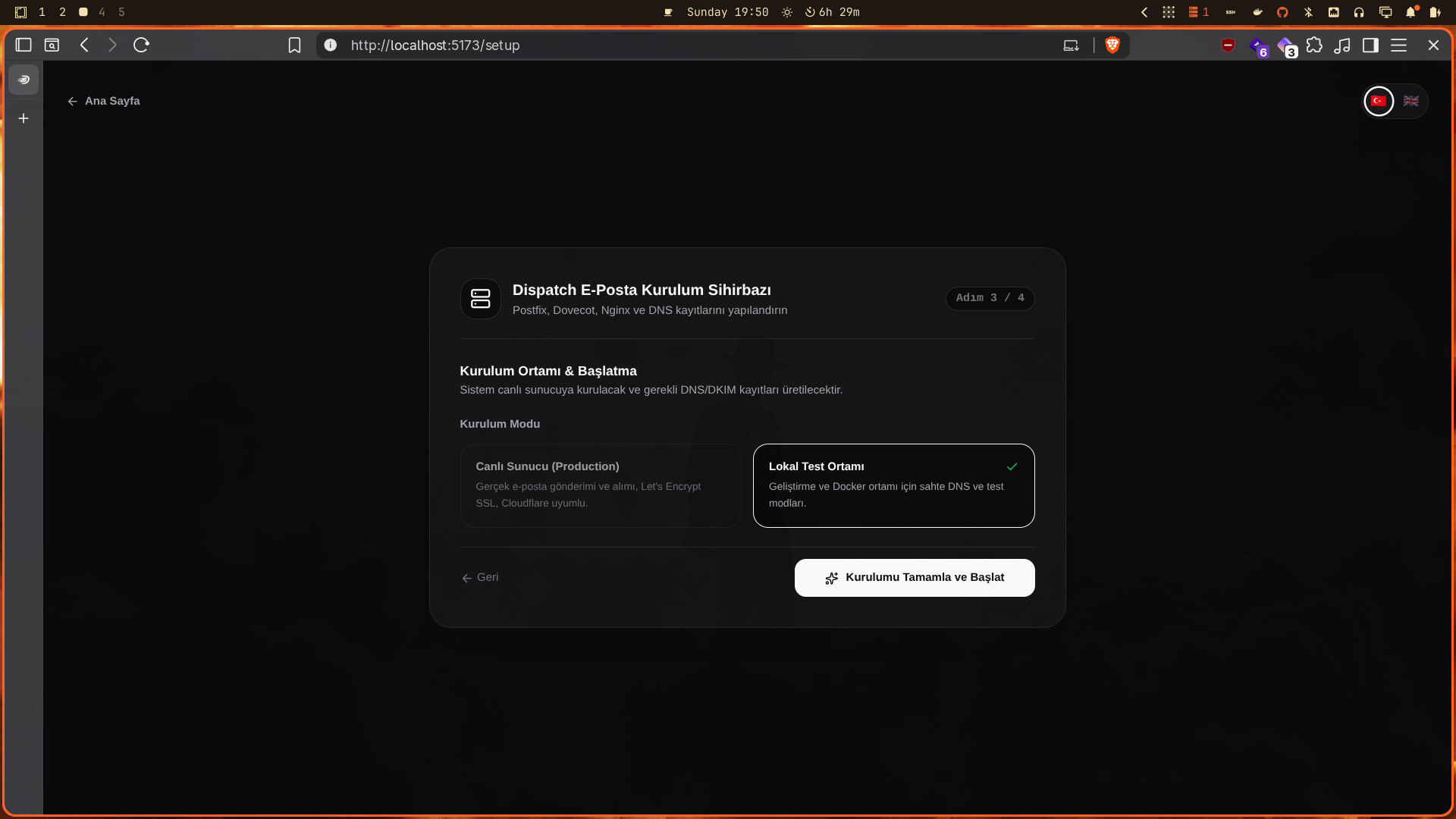
Setup Wizard
The visual Setup Wizard that greets you on first launch walks you through the server, IMAP/SMTP account, and security settings in a few simple steps — no technical knowledge required. Dispatch is ready to use within minutes.
Features
1. Sender Approval Queue, AI Dashboard & Calendar Integration
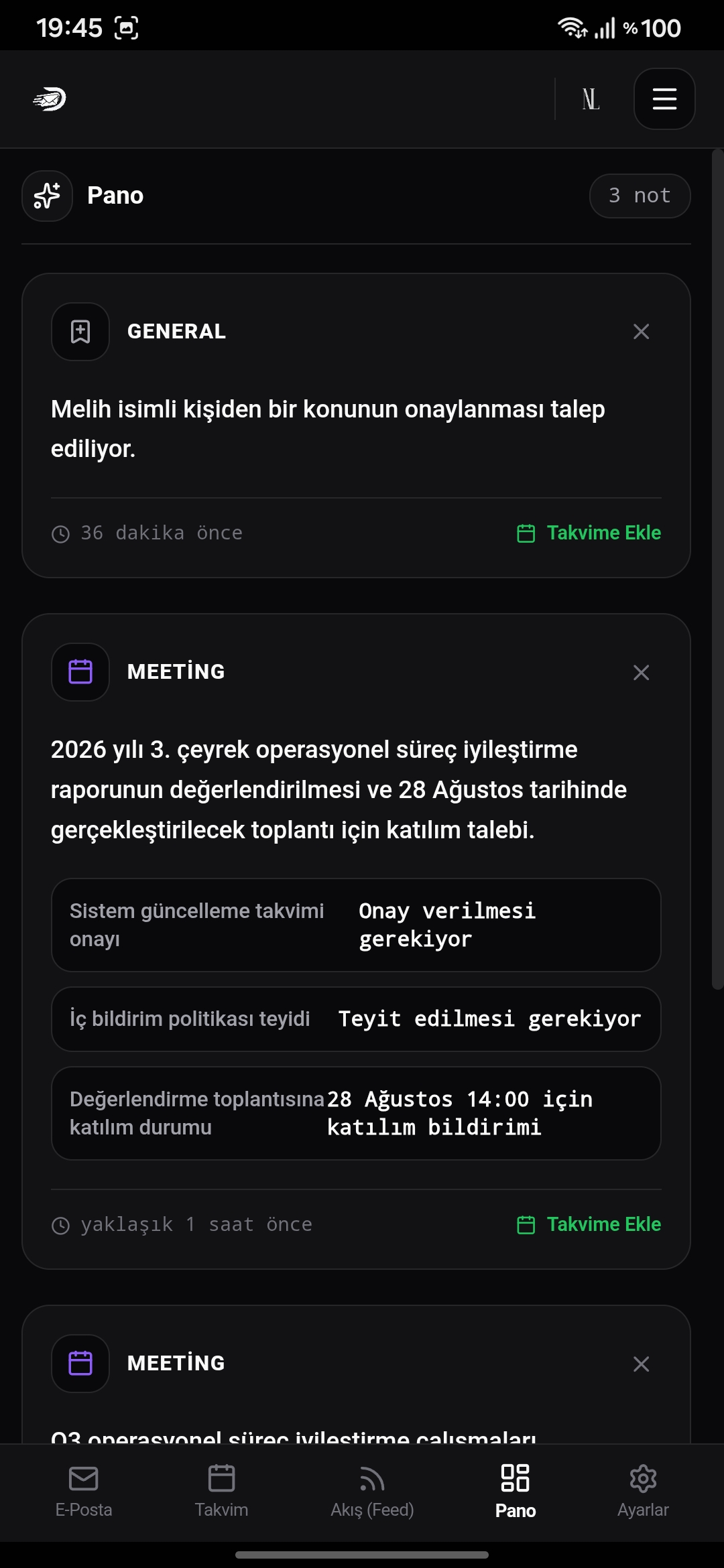
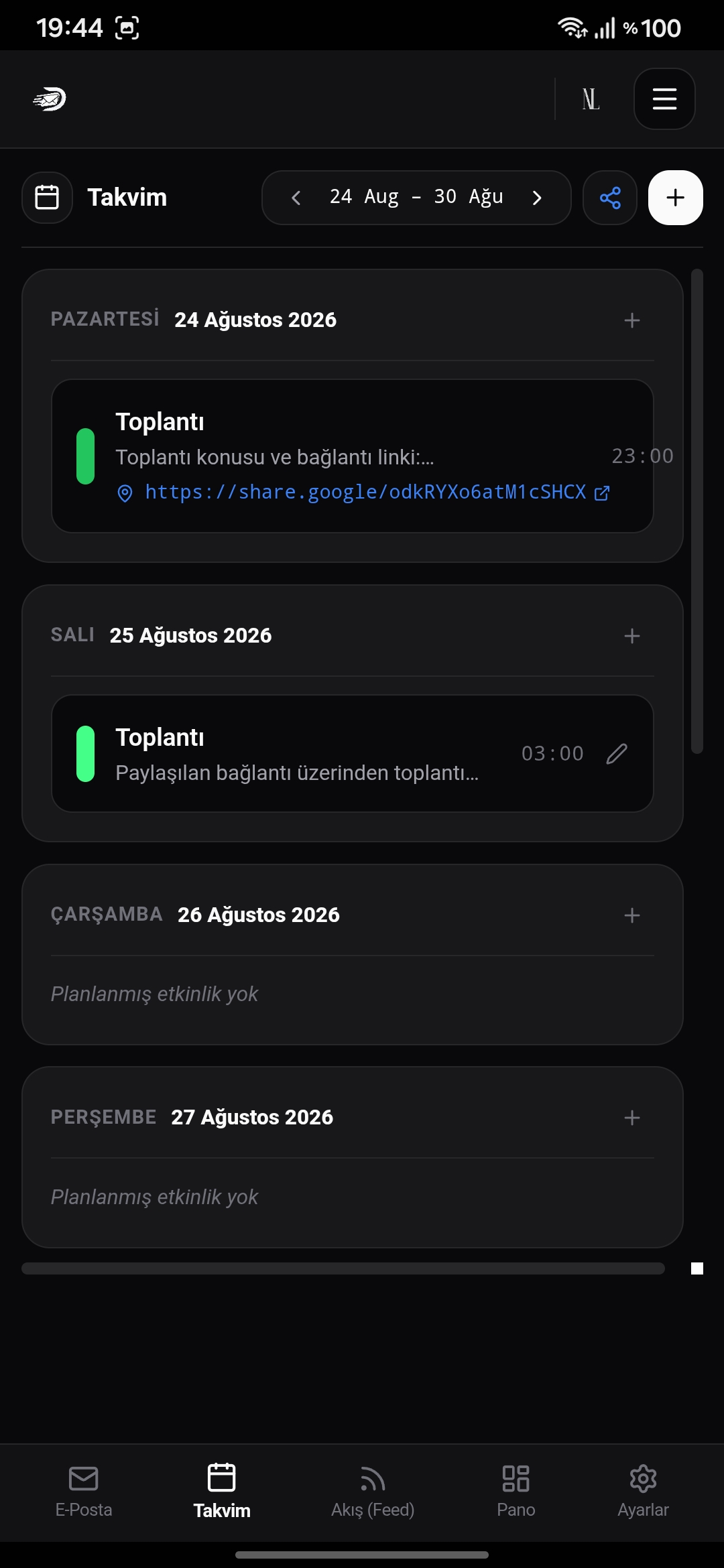
First-time incoming senders are safely routed to an Approvals queue with 1-click Approve or Block actions. Key details like meetings, tracking codes, and deadlines are automatically detected by AI, converted into Dashboard cards, and synced directly to the Calendar.
2. AI Email Summarization & Smart Reply Engine
Long and complex emails are summarized into concise 2-3 bullet points within seconds using Google Gemini, Claude, or OpenAI models; contextual and intelligent response drafts can be generated with a single click.
3. AI-Powered Multi-Language Email Translation
Foreign language emails are instantly translated into English, Turkish, or other target languages directly inside the reader while preserving layout, typography, and original tone.
4. Email Management, Contact Groups & Smart Aliases
Compose, reply, draft, and folder management; broadcast emails to saved contact groups using
@group_namesyntax (e.g.@team) with automatic member resolution and simultaneous delivery.
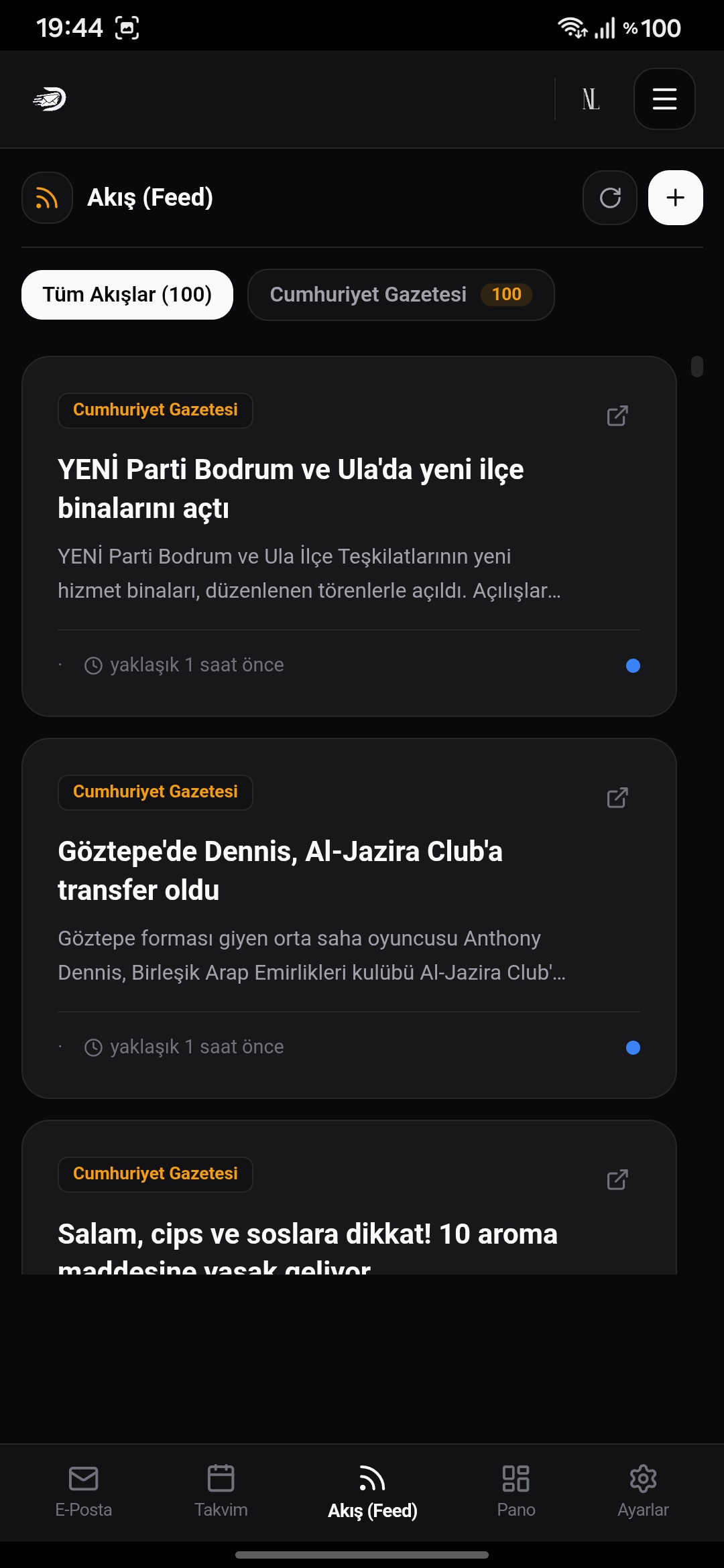
5. Integrated RSS Feed Reader & Background Sync
Subscribe to favorite tech blogs, news sites, and developer feeds; scheduled Sidekiq background workers fetch and synchronize updates periodically without leaving the email experience.
6. EmailMd Markdown Formatting
Built-in EmailMd engine for composing and replying to emails; creates clean and professional email formatting with headers, code blocks, lists, bold/italic text, links, and styled blockquotes.
7. Email-Powered Blogging Engine
Publish articles to the public blog (
/blog/@username/slug) simply by emailingblog@yourdomain.com. Authors can instantly unpublish or delete articles by sending an email withRm: <Blog Title>orrm: <slug>.
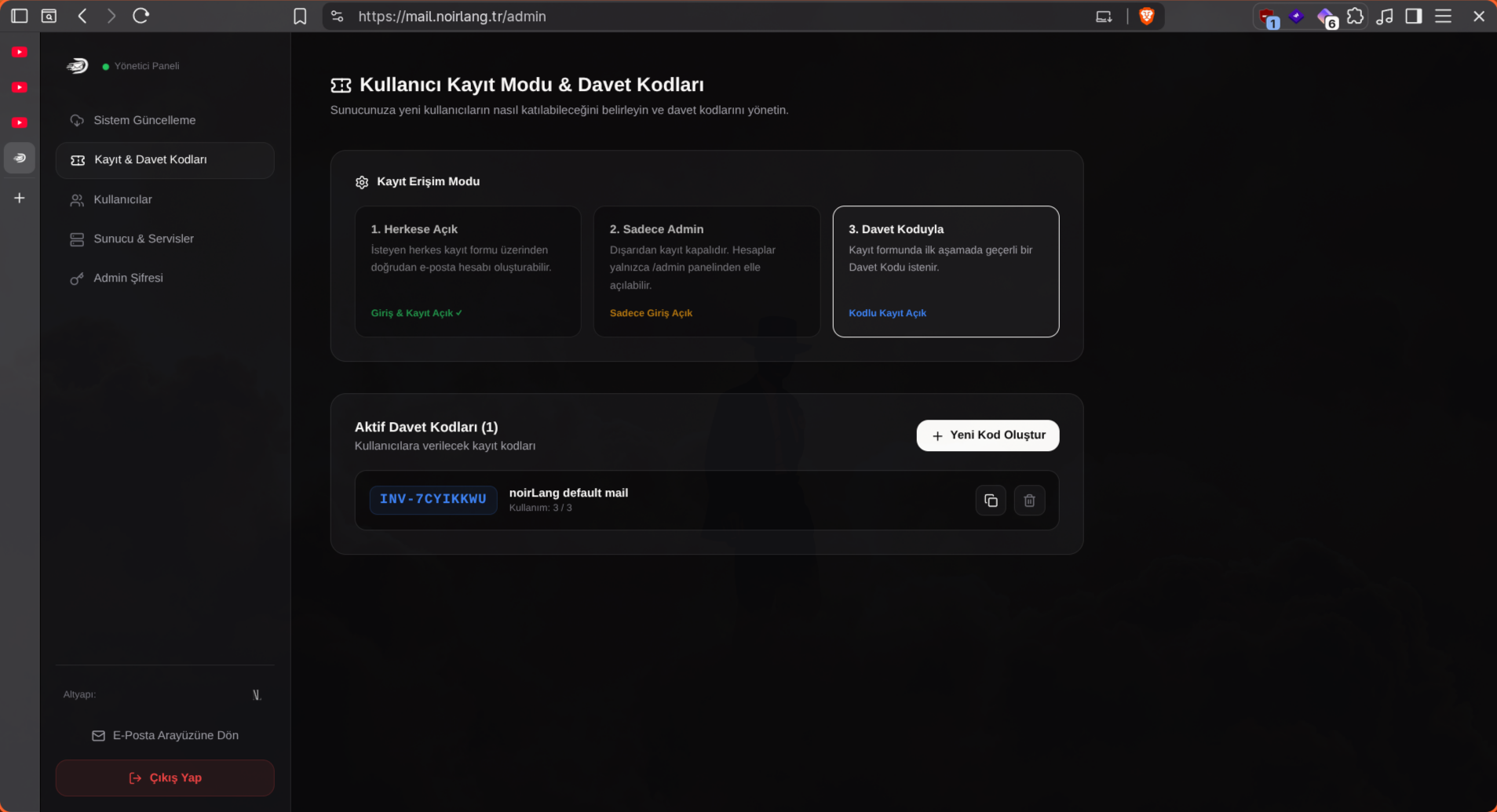
8. Registration & Access Modes
Three different access modes are available: registration with an invite code, account creation only through the admin panel, or open registration for everyone. Depending on the server policy, the administrator can switch between modes with a single click — you decide exactly who can join.
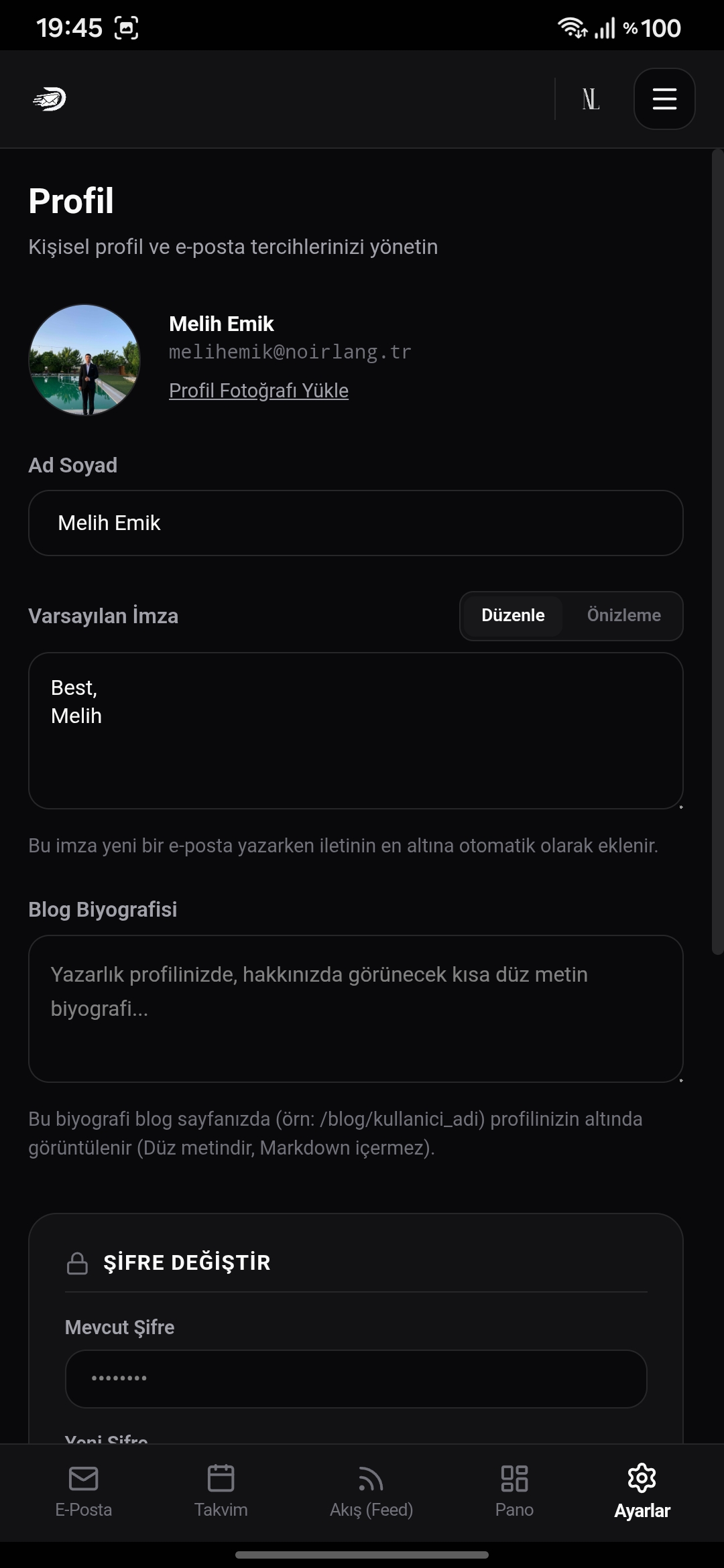
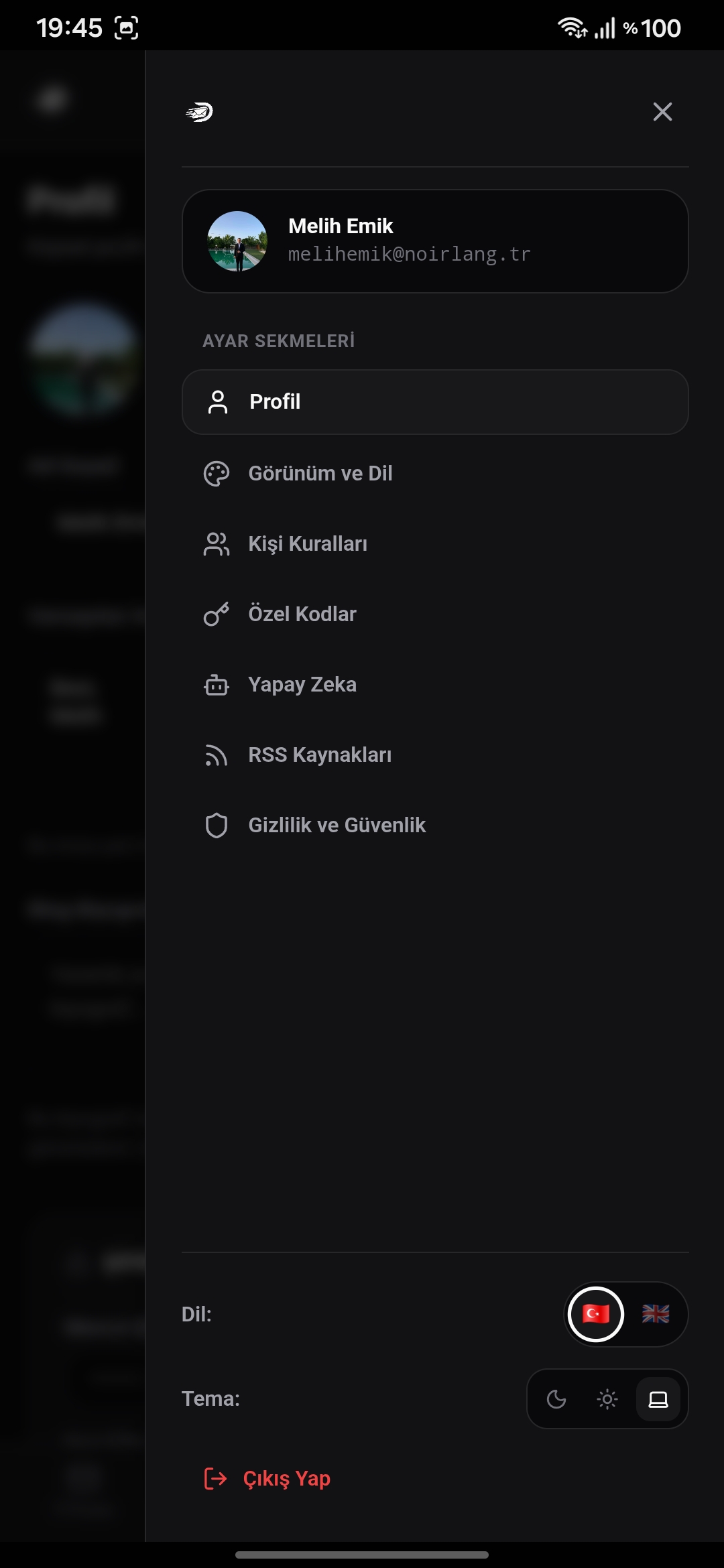
9. Mobile-Friendly Interface
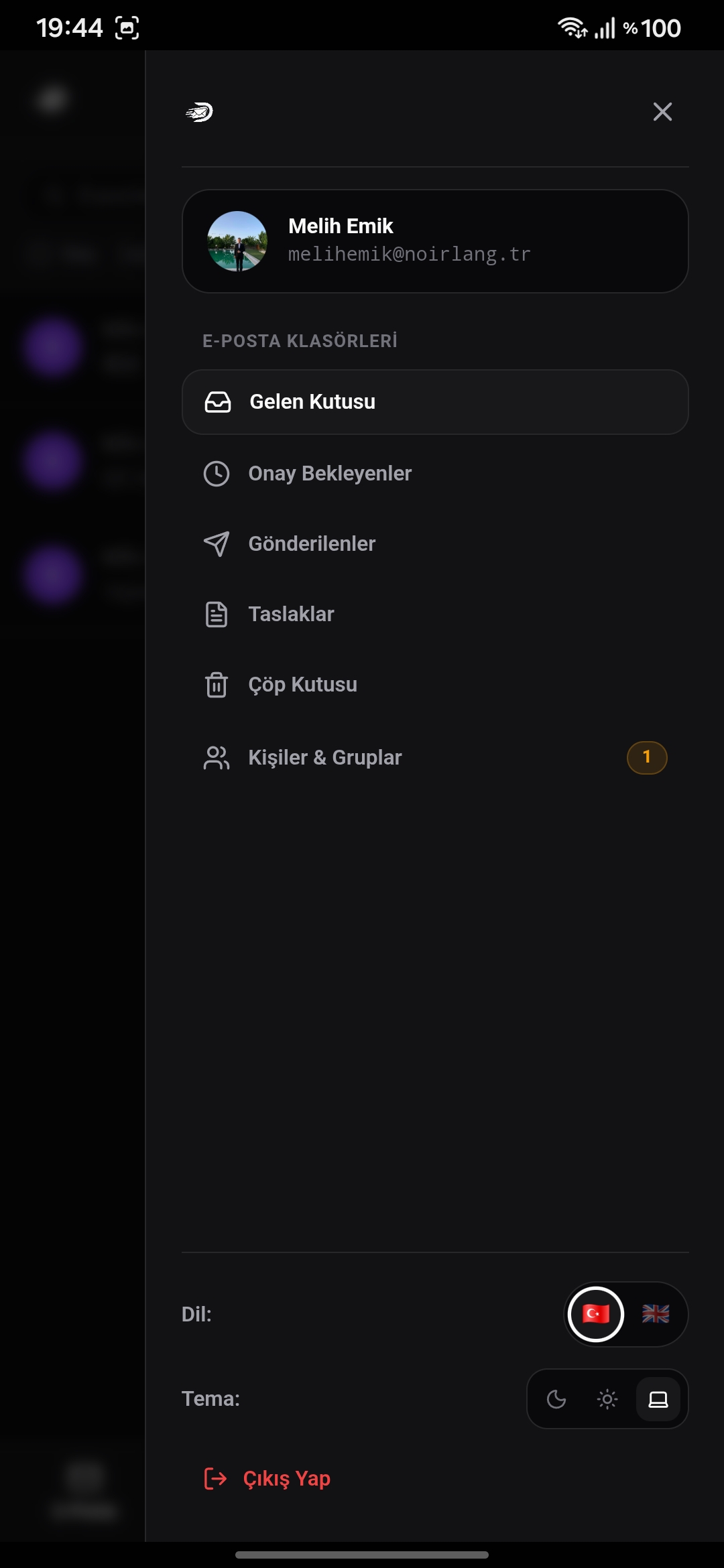
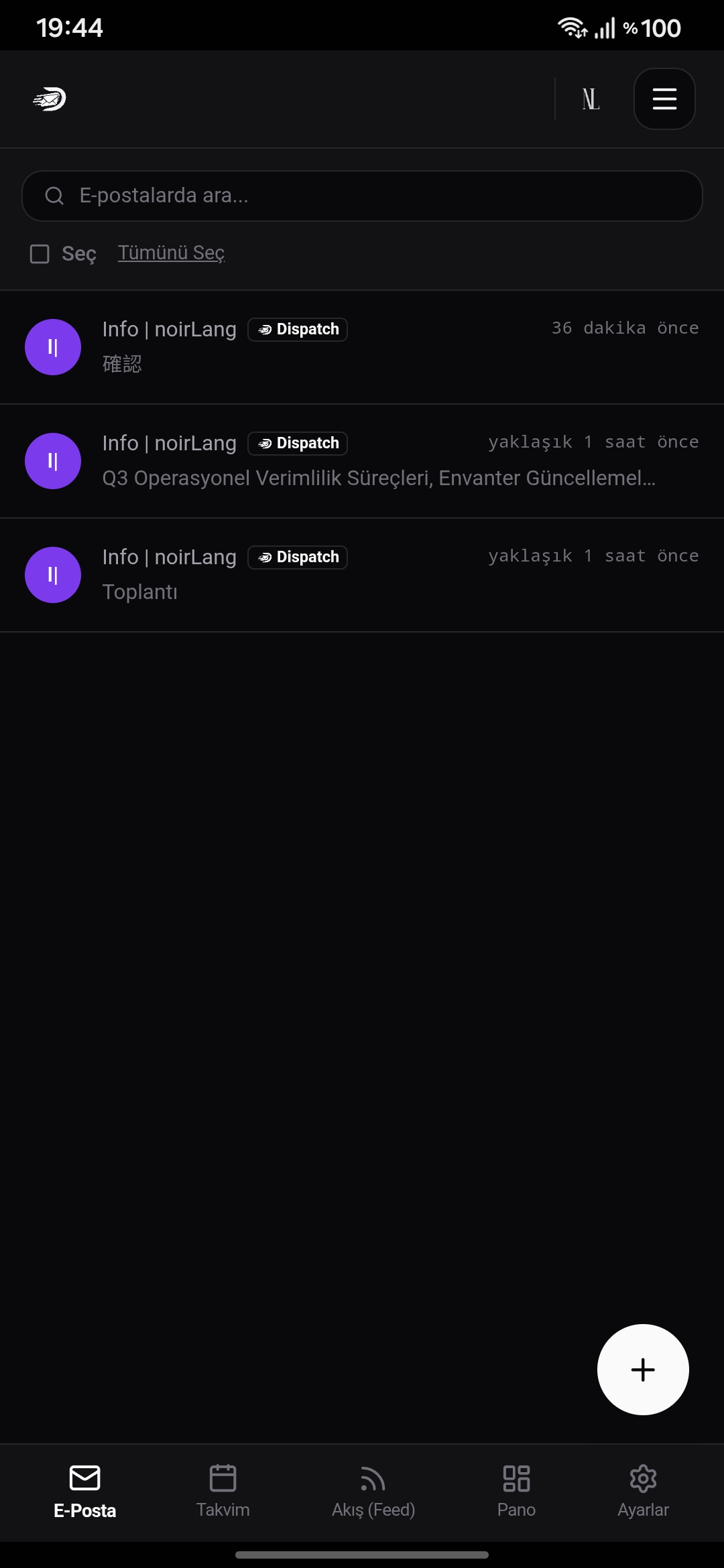
Mail, Dashboard, Calendar, Feed, and Settings — fully responsive, minimal, and fast on phones and tablets.